EcoTwin AI · Urban design and energy simulation

Design cities. Simulate performance. In one browser.

EcoTwin AI builds Eco Digital Twin Sandbox, a browser workspace for architects, planners, and engineers. Model buildings and landscapes in 3D, assign real surface properties, and prepare for industry-grade microclimate and energy analysis.

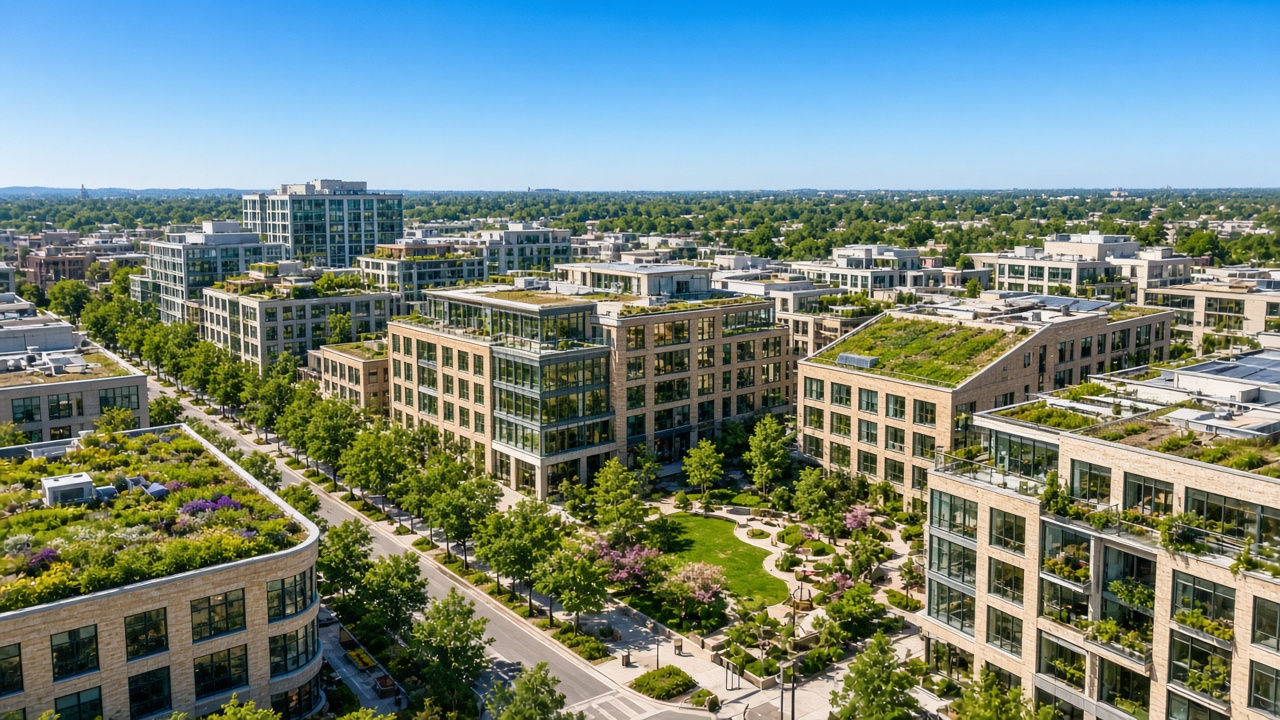
Daylight view of a mixed neighborhood with tree-lined streets, low and mid-rise buildings, and a small park.

Purpose

From early massing to a performance-ready twin.

EcoTwin AI is a specialized company focused on software for urban design and energy simulation. We build tools that help architects, planners, and engineers shape more sustainable cities — from early massing to performance-ready digital twins.

For architects, urban planners, energy and sustainability consultants, researchers, municipalities, and engineering teams working on buildings and neighborhoods.

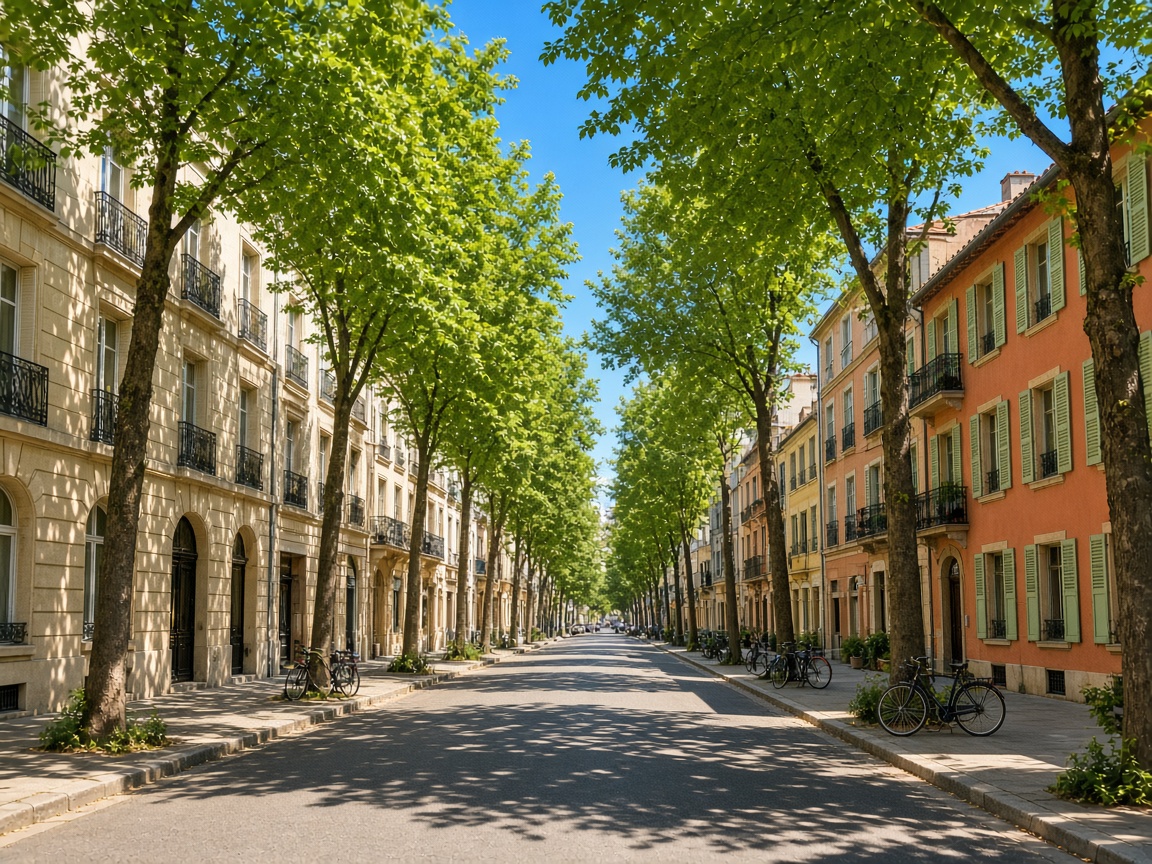
A sunny city street shaded by trees, with buildings in stone, terracotta, and pale green.
Shade, streets, and the spaces between buildings are part of the design problem.
  • End-to-end urban twin

    Design and edit in one workspace. Analysis joins that same model as simulation rolls out.

  • Built for practitioners

    Intuitive 3D editing for project work, not a pipeline that only a research script can drive.

  • Physics-ready pipeline

    Surface types, layers, and project packages prepared for industry-grade engines.

  • Web-first delivery

    Open the workspace in a browser. No heavy local install to get a model started.

Product

Eco Digital Twin Sandbox

The sandbox brings urban modeling into a single browser-based workspace. Design and edit the built environment in 3D, assign surface and material properties, and prepare models for rigorous analysis — without chaining together disconnected desktop tools.

Launch Sandbox

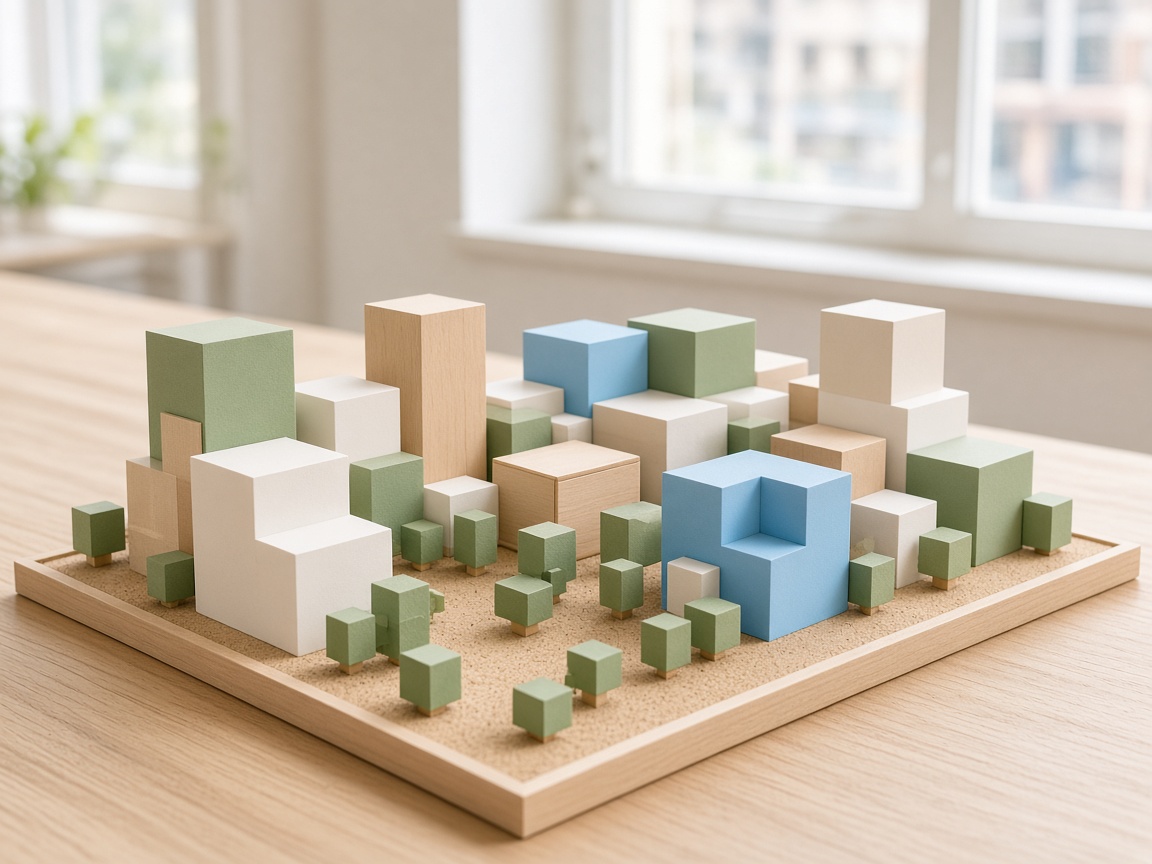
A colorful architectural massing model of a city block, with blocks in sand, sage, and blue on a light table.
Early massing, studied as a model you can edit in the browser.
  1. 01

    Model

    Massing, landscape, and map context in a live 3D scene.

  2. 02

    Assign

    Surface types, layers, and material properties the analysis can read.

  3. 03

    Prepare

    CDT and EcoFile packages, ready for the simulations now rolling out.

Capabilities

What the sandbox does today.

This is the live workspace at app.ecotwinai.com. In-app simulation runs are not open to every user yet — those are under Roadmap.

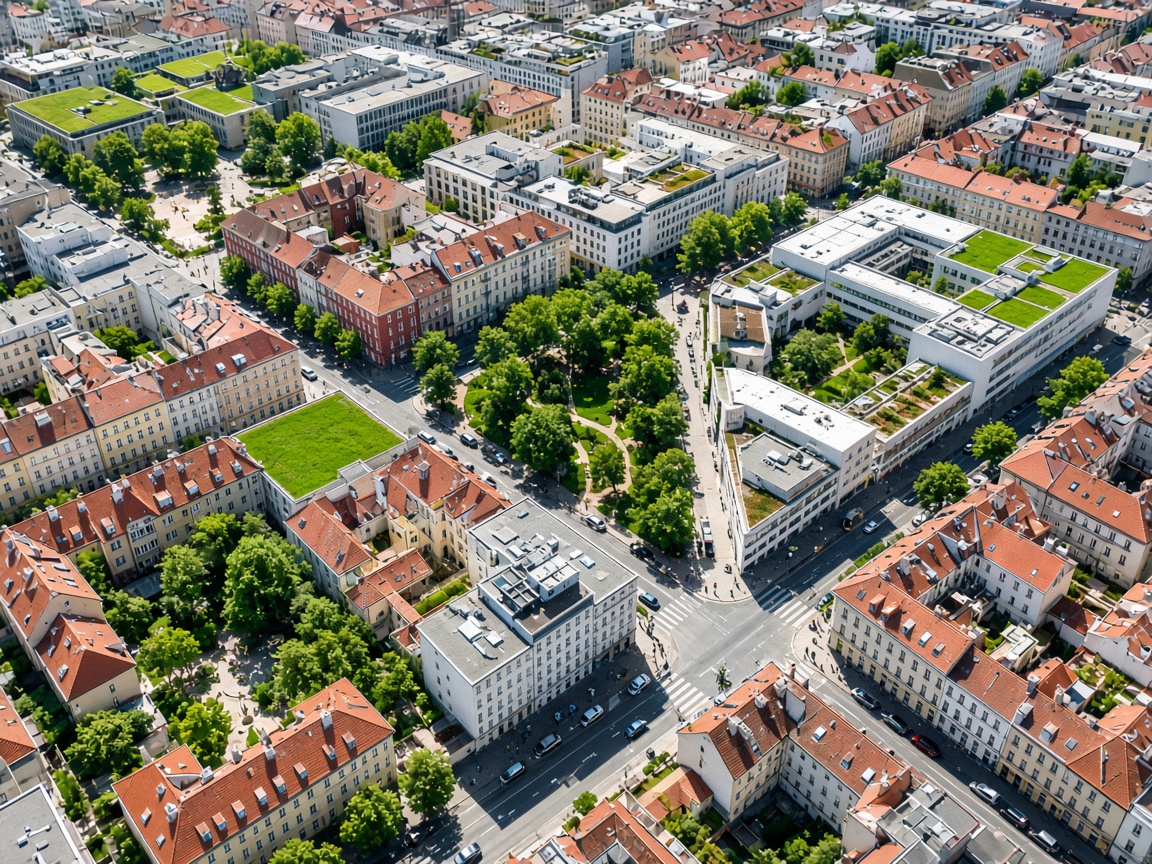
Overhead view of city blocks, streets, courtyards, and small parks in daylight.
Map Bridge loads a real place: buildings from OpenStreetMap and Overture, with heights where those sources provide them.
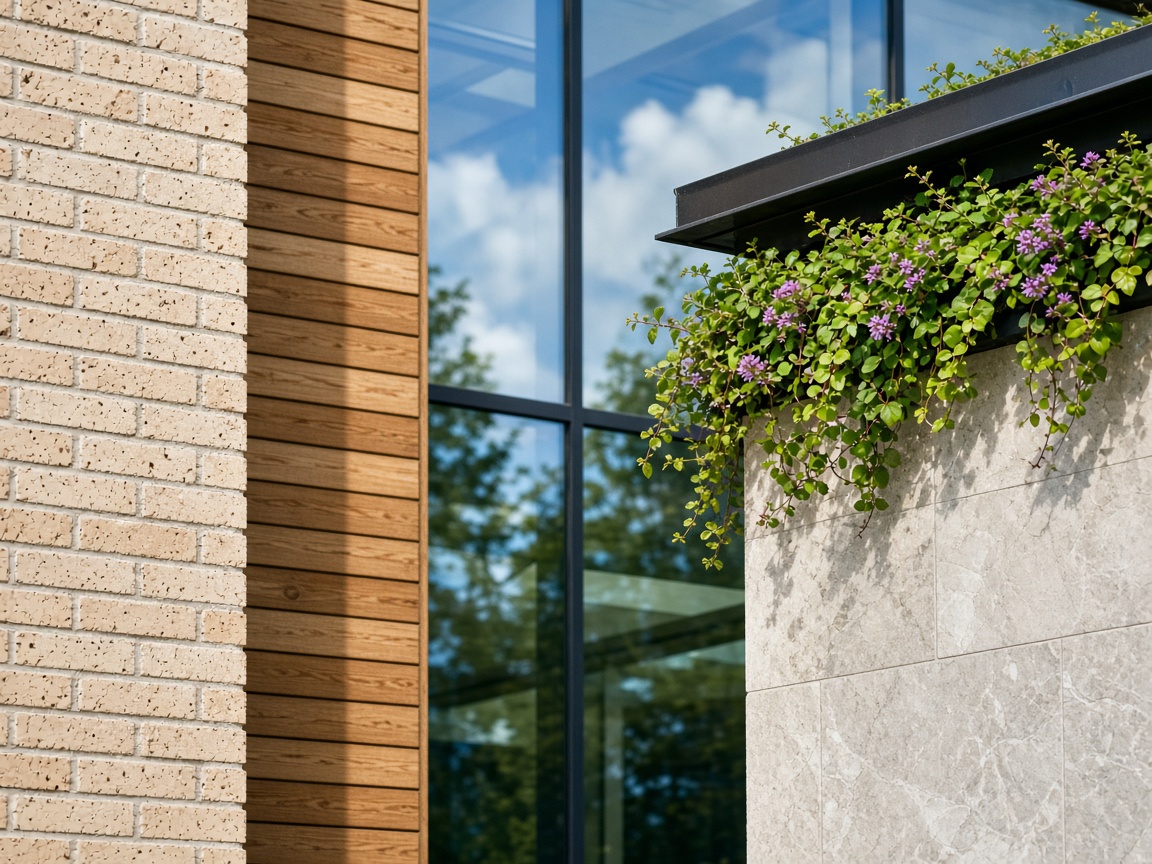
Close view of brick, timber, glass, stone, and a planted roof edge in daylight.
Surface types cover plants, soils, water, roads, buildings, optical materials, and more.

01 — Model

Model the built environment

A real-time 3D scene with a grid, lighting, soft shadows, and camera controls. Draw rectangles, circles, polygons, linear paths, and spheres. Add buildings — including generators and merge — plus trees, furniture, and terrain. Select, move, rotate, scale, and duplicate, with undo and redo. Edit meshes, snap to vertices, and measure, with an object list and properties panel beside the model.

02 — Surfaces

Assign surfaces analysis can use

The Types manager holds catalogs for plants, soils, water, roads, buildings, optical materials, carbon emission factors, PV parameters, and generic surfaces, aligned with CDT-UBEM-style data packages. Stack surface layers and assign materials so the twin is prepared for simulation, not only for a picture.

03 — Map

Start from a real place

Map Bridge lets you pick an area and load urban features into the scene. The default path brings buildings from OpenStreetMap and Overture, with heights where those sources provide them. Models can store georeferencing, and GeoJSON can be imported.

04 — Files

Keep the formats projects already use

.CDT (CityDigTwin) is the primary project package. .ecofile carries the scene and settings for simulation pipelines. Export meshes, or bring existing geometry and catalogs in.

  • .CDT
  • .ecofile
  • STL
  • OBJ
  • GLB
  • FBX
  • GeoJSON

05 — Access

Accounts and subscriptions

Register and sign in with email and password. Google and Microsoft sign-in are available when they are configured, along with password reset and email verification. Where guest mode is turned on, you can look around before subscribing. Plans run through Stripe Checkout. An active subscription keeps Save and Export available. Card details stay with Stripe, not on EcoTwin servers.

How it works

Three steps from a block to a decision.

Model and surface assignment are in the app now. The third step is the simulation release currently rolling out.

  1. Step 1 · Available

    Model in the browser

    Draw the neighborhood, or pull buildings in from the map. Edit the massing until the scheme is the one you mean to test.

  2. Step 2 · Available

    Assign surfaces

    Give roofs, walls, ground, and landscape the properties an energy or microclimate study expects. Export a CDT or EcoFile when the model is ready.

  3. Step 3 · Rolling out

    Simulate and decide

    PALM microclimate and EnergyPlus runs, with results back in the scene, so a design change can be judged on performance. The Simulation menu is opening for subscribers shortly. It is not yet available to every user.

Coming soon

Already in the stack. Rolling out to the workspace.

Capabilities already in our stack, rolling out to users shortly: PALM microclimate, EnergyPlus building energy, in-scene results, scenario comparison, and expanded carbon workflows.

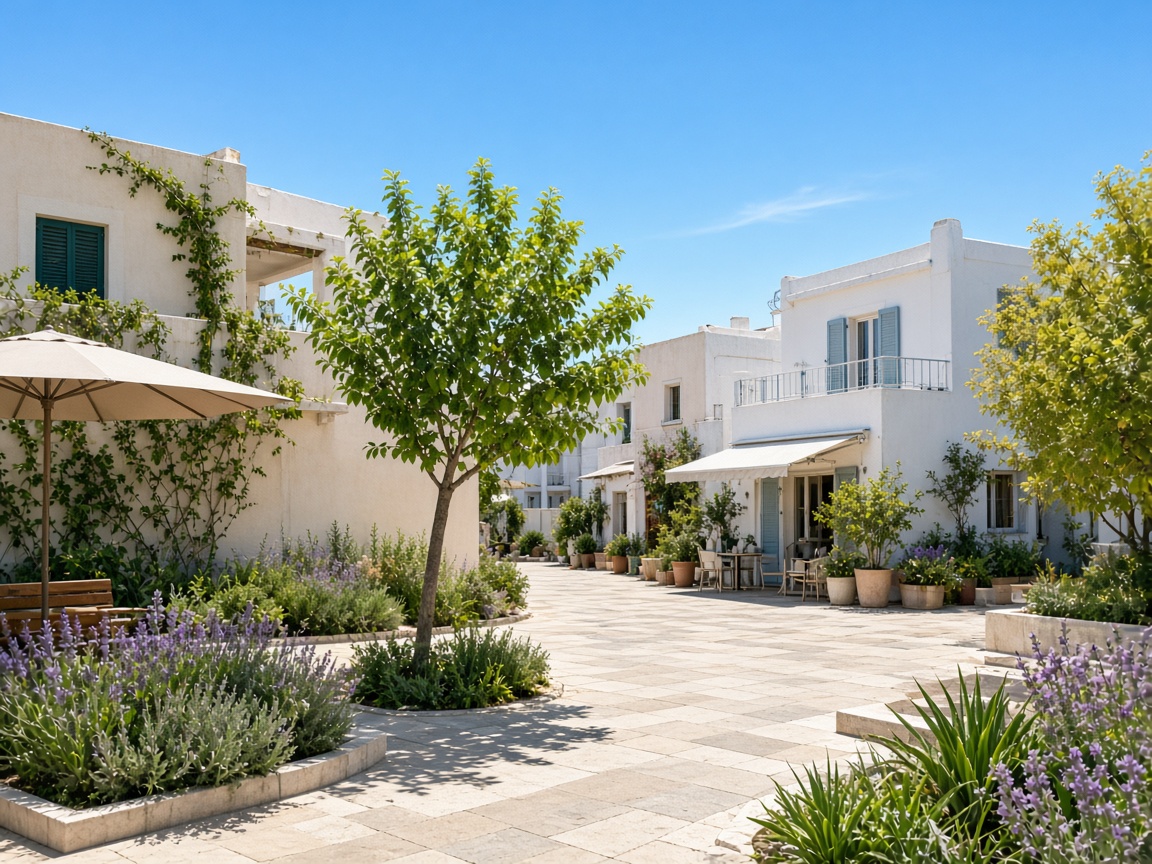
A sunny urban courtyard with a tree, pale paving, and buildings catching both sun and shade.
Microclimate studies, still rolling out, look at heat, wind, and comfort in places like this.
  1. 01

    Urban microclimate

    PALM-based simulation from the twin, for the heat and wind of streets, courts, and roofscapes.

  2. 02

    Building energy

    EnergyPlus on the same model — from scene buildings, or from an uploaded IDF and weather file.

  3. 03

    Results in the scene

    Read performance back on the model you edited, instead of in a separate viewer.

  4. 04

    Scenario comparison

    Hold design alternatives next to each other and see which one performs.

  5. 05

    Carbon and surface workflows

    A wider path from surface properties and emission factors into the decisions those numbers are for.

  6. 06

    Simulation menu for subscribers

    Public enablement of the in-app Simulation menu once the runs are ready for general use.

Further ahead

On the roadmap, not in the product today.

  • Cloud collaboration and shared projects.
  • Deeper city-scale GIS workflows, building on Map Bridge.
  • Enterprise and team plans, beyond the individual subscriptions available now.
  • More tutorials and practitioner case studies.

Pricing

Individual plans, billed in the app.

Nothing is sold on this website. Subscriptions use Stripe Checkout inside Eco Digital Twin Sandbox. These are the individual prices available today, in USD.

  • Weekly

    $10 USD

    Billed weekly

  • Monthly

    $35 USD

    Billed monthly

  • Quarterly

    $100 USD

    Billed quarterly

  • Yearly

    $350 USD

    Billed yearly

Save and Export stay available on an active plan. You can also open the sandbox first, or watch a tutorial (opens in a new tab) before you subscribe.

Questions

Plain answers about the company and the sandbox.

What is EcoTwin AI?

EcoTwin AI is a company that builds software for urban design and energy simulation. The work is for architects, planners, and engineers who need more sustainable cities, from early massing to a digital twin that is ready for performance analysis.

What is Eco Digital Twin Sandbox?

Eco Digital Twin Sandbox is the browser app at app.ecotwinai.com. It is one workspace for 3D urban modeling, surface and material assignment, map import, and project files. This website explains the company. It is not the editor.

Who is it for?

Architects, urban planners, energy and sustainability consultants, researchers, municipalities, and engineering teams working on buildings and neighborhoods.

What works in the app today?

You can model in 3D, assign surface types and layers, bring buildings in from OpenStreetMap and Overture through Map Bridge, and save or export .CDT, .ecofile, STL, OBJ, GLB, FBX, and GeoJSON. Accounts, sign-in, and Stripe subscriptions are live. Save and Export need an active plan.

Can I run microclimate or building energy simulation now?

Not as a general release. PALM microclimate, EnergyPlus building energy, in-scene results, and scenario comparison are in the stack and rolling out. The Simulation menu is not yet available to every user.

How do I contact EcoTwin AI?

Use the contact form on this page. It asks for your email and a message, and delivers that note to EcoTwin AI. You can also write to support@ecotwinai.com.

How much does a subscription cost?

Individual plans, in US dollars, are weekly $10, monthly $35, quarterly $100, and yearly $350. Billing happens in the app through Stripe Checkout. This site does not take payment. Subscribe in the app.
Contact

Send us a message.

Leave your email and a note. We read messages sent from this page at EcoTwin AI.

Open the workspace

Start a block in the browser.

Model the massing, assign its surfaces, and keep the file ready for the simulations now rolling out.